
Small-School Plan
Most schoolsUp to 100 students and up to 15 coaches
$8,000 AUD / year
Billed annually · save $1,108 on monthly
Enrol your schoolNo payment is collected during enrolment. Cancel anytime.
Athletes write it once on their phone. Coaches and the school see it as soon as they open their console.
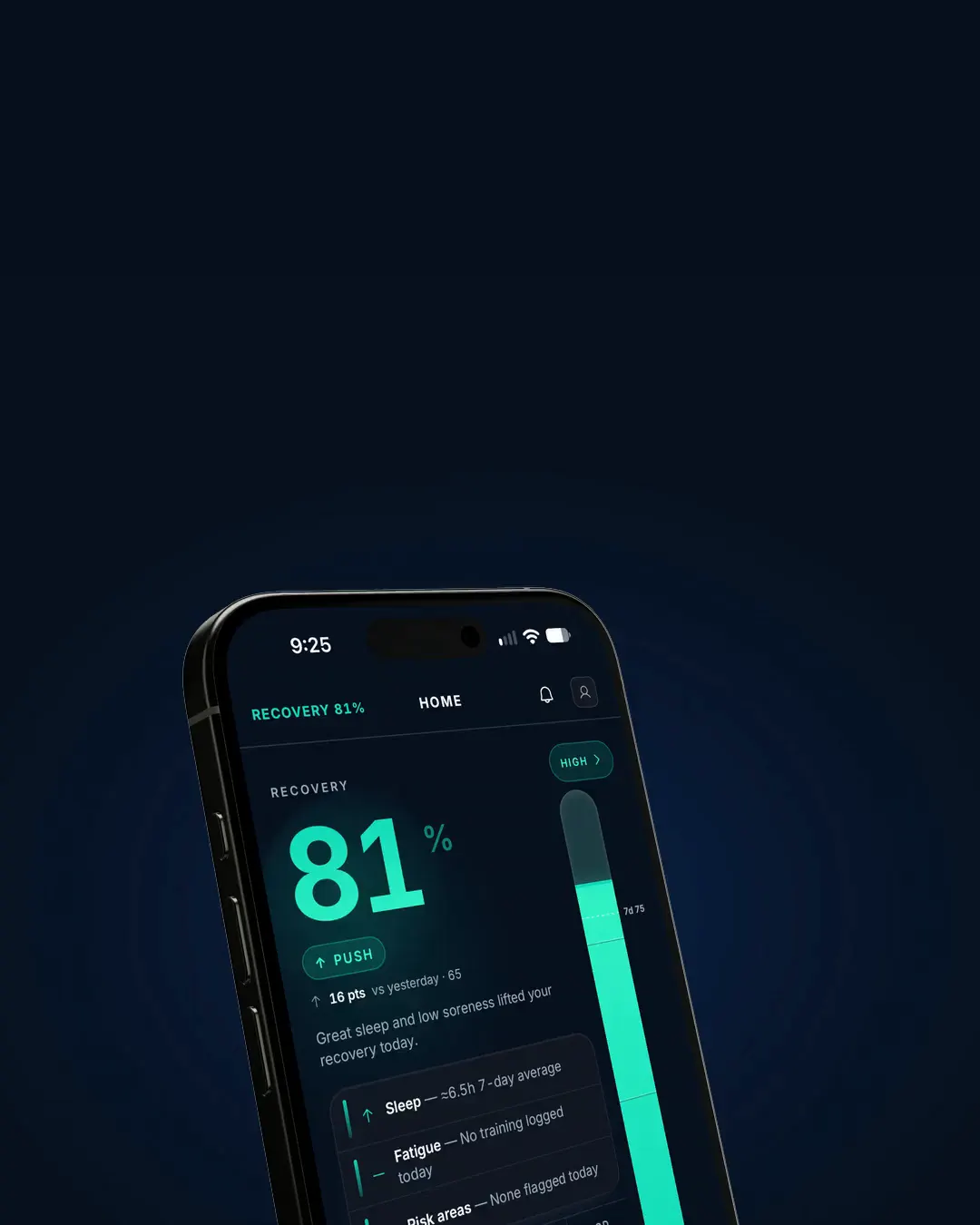
The athlete’s check-in, the coach’s morning and the school’s oversight are the same record, seen the way each role needs it.


Athlete
Five quick steps. Sleep, body, soreness, wellbeing, sickness.
Coach
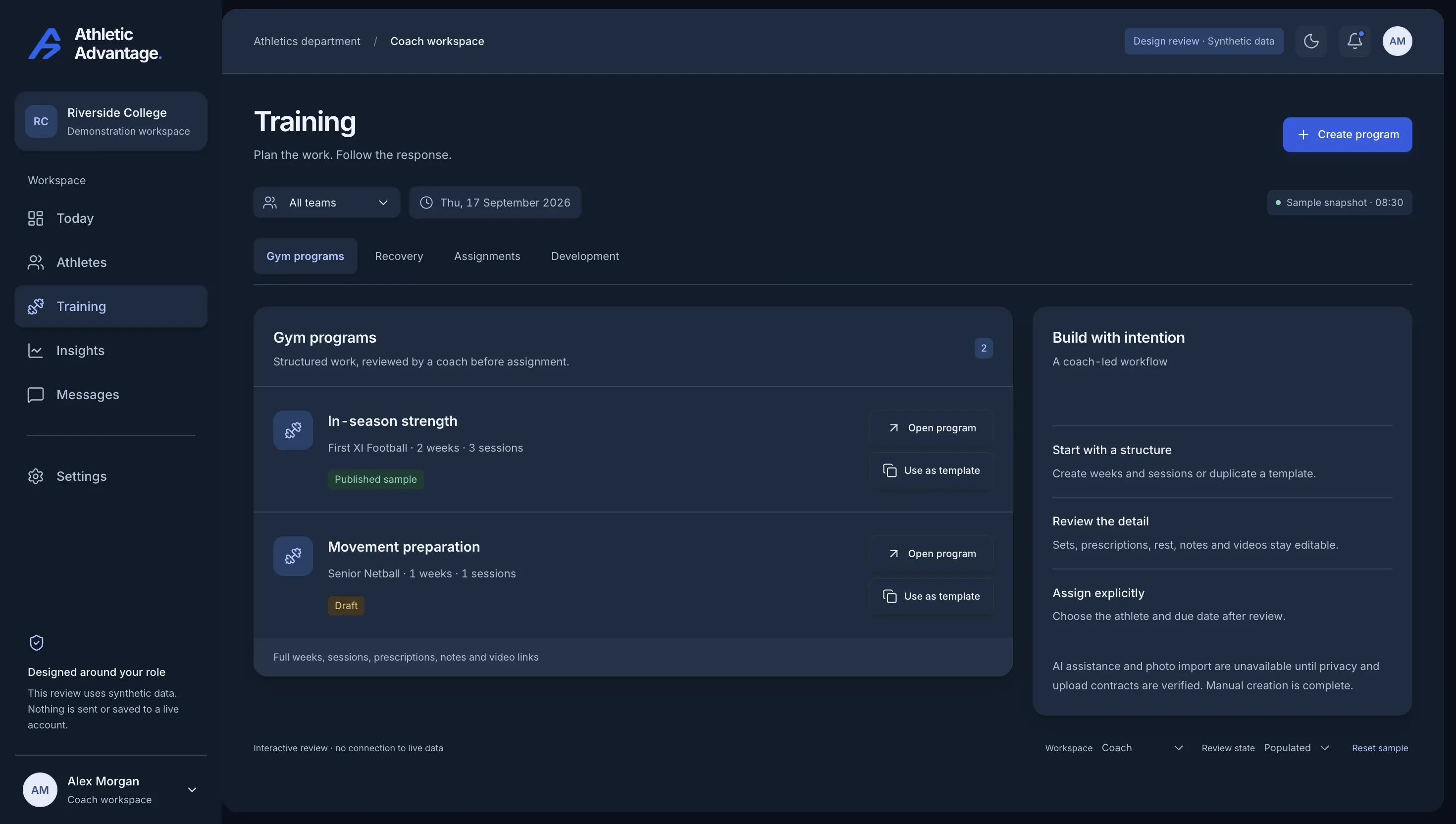
Who’s checked in, who needs attention, one tap to nudge the rest.
School
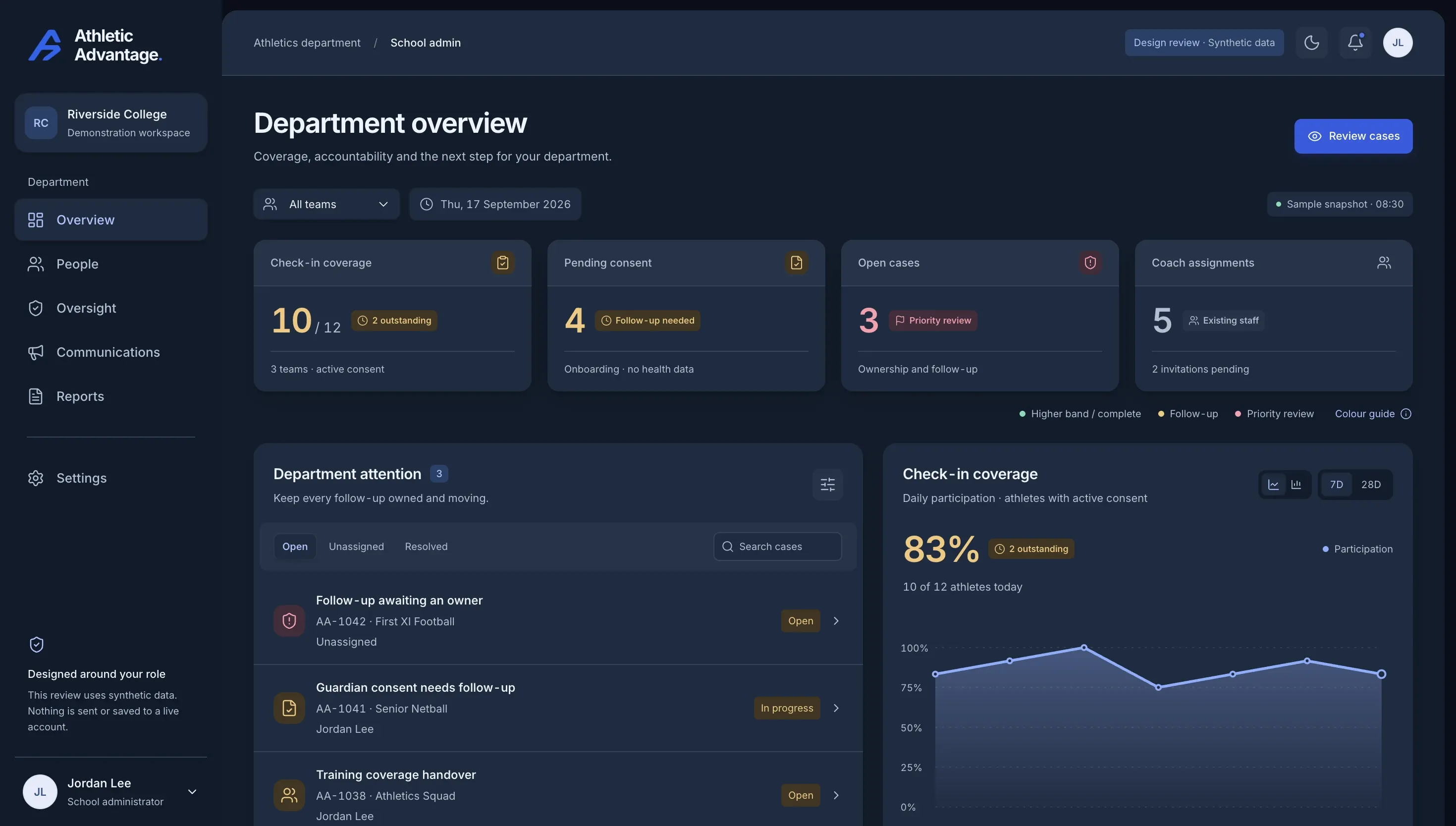
Coverage, consent, open cases and who owns them. Status, not health details.
For athletes
Everything an athlete does in the app, shown as it actually is.

Five quick steps: sleep, body, soreness, wellbeing, sickness.

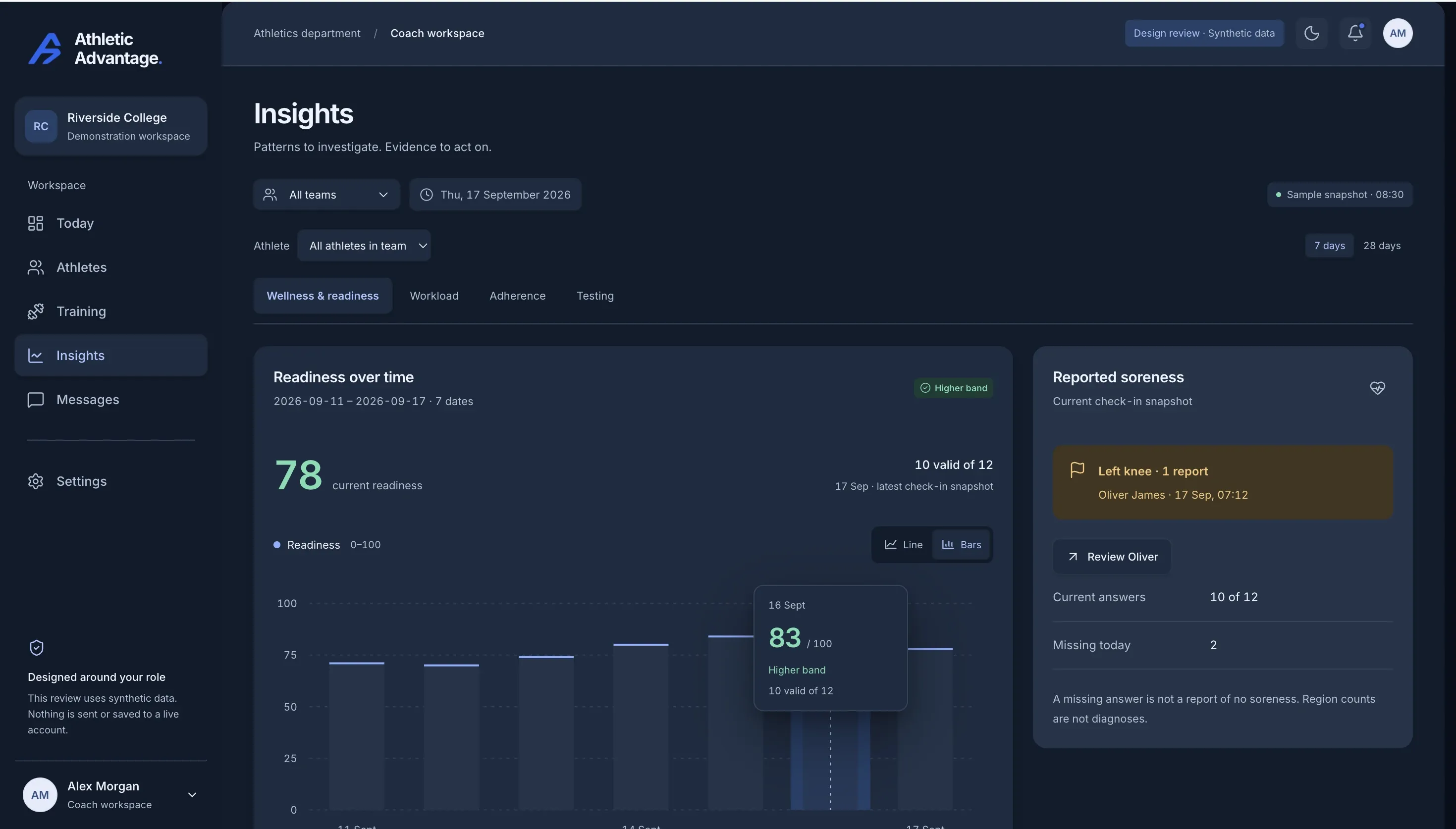
A score you can act on, and the reasons it moved.

Sets, reps and demo videos, logged as you go.

Coach review and self-assessment, side by side.
For coaches
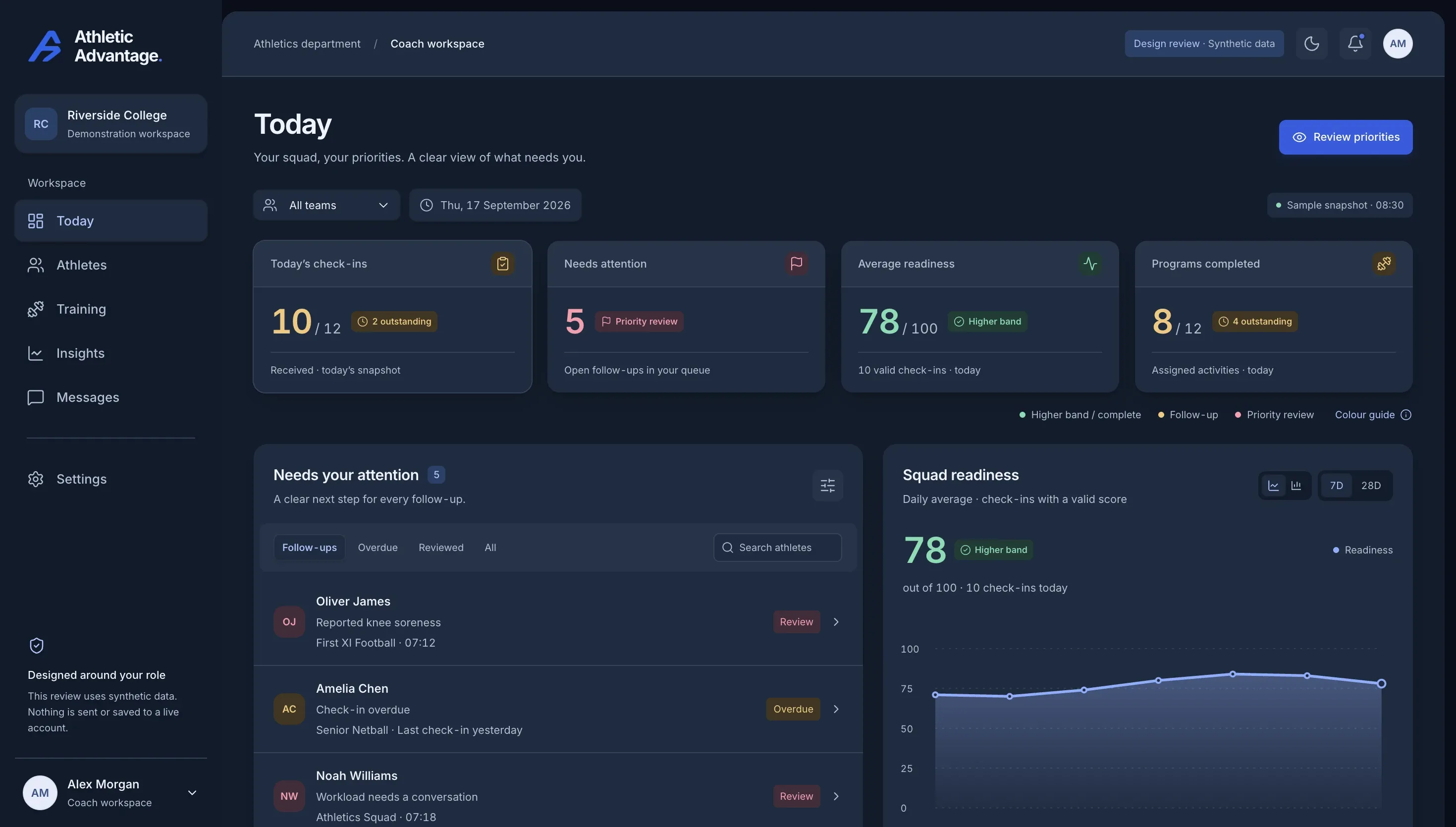
The whole coach side works on a phone, before practice, from the car park if it has to.


For schools
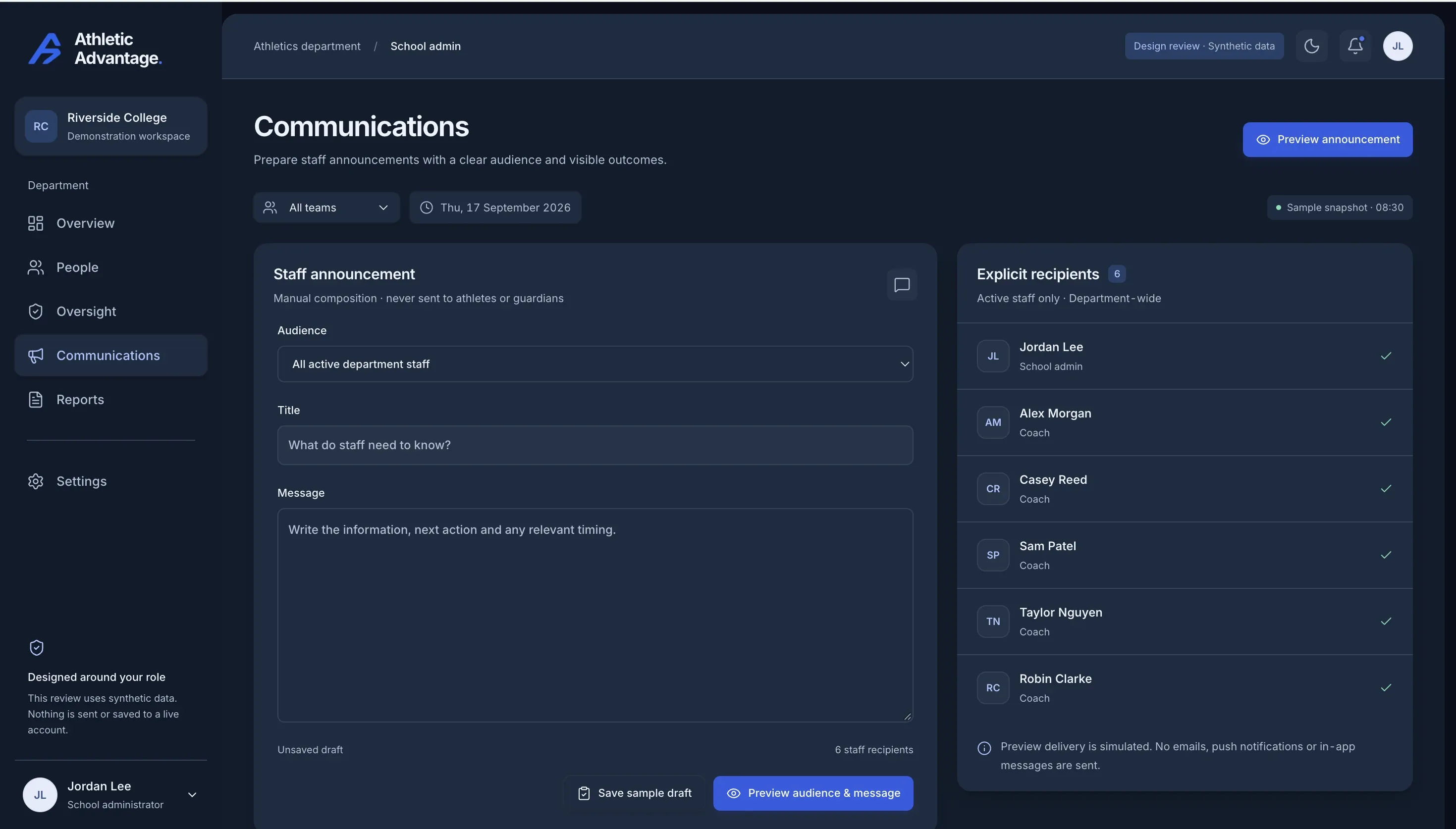
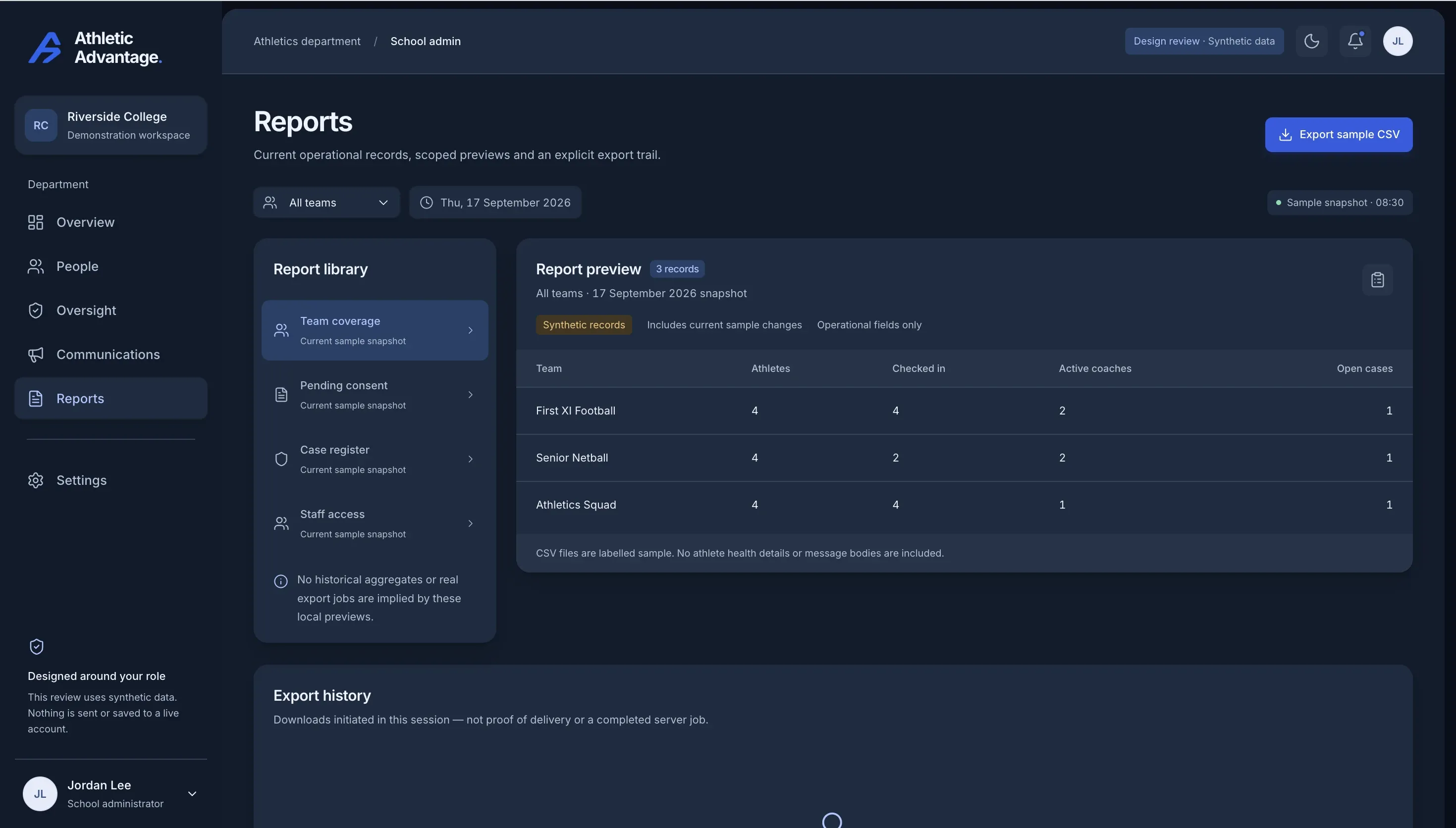
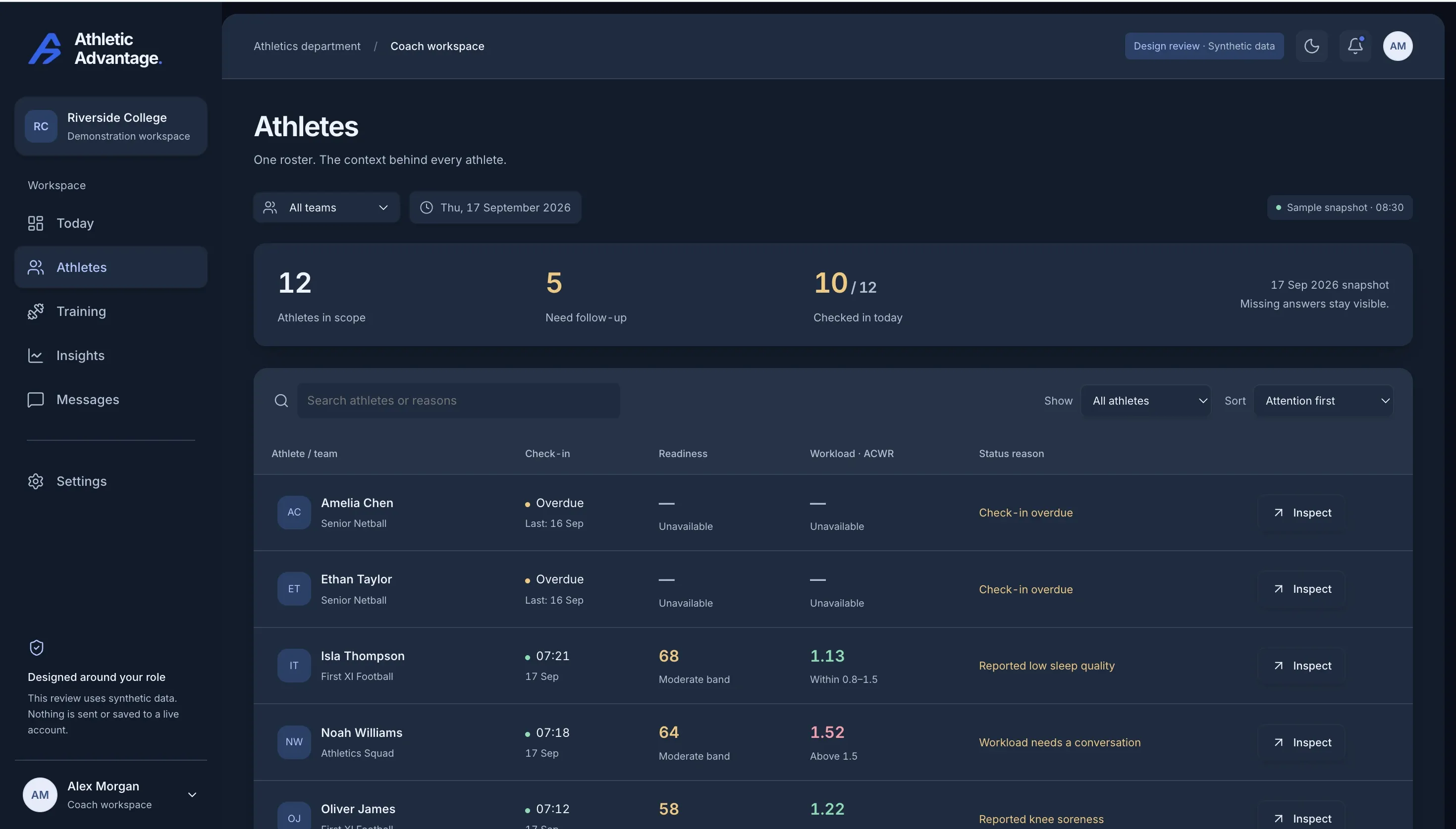
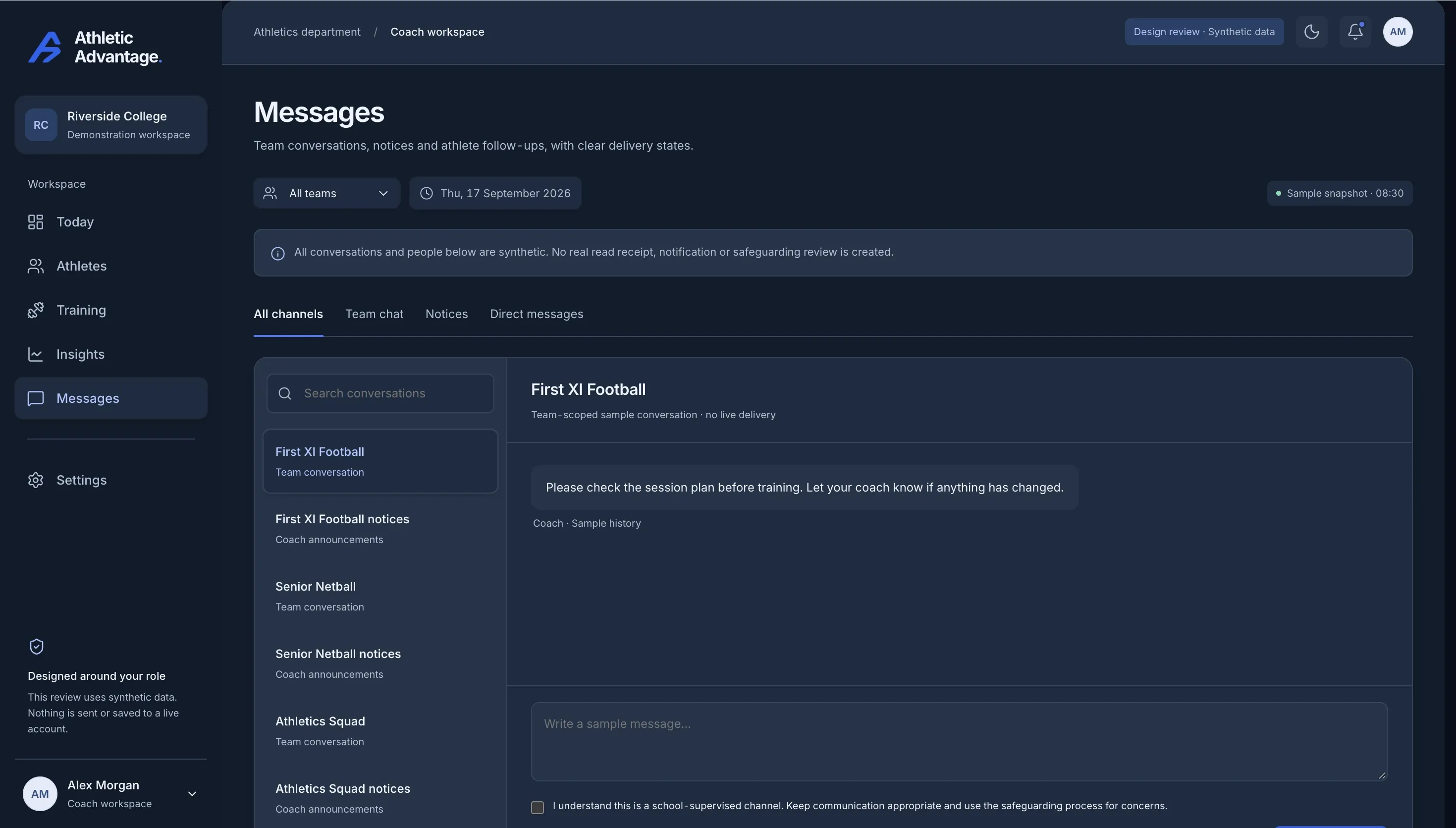
One check-in becomes a coach’s action and, when it needs to, a case the school can see, own and close. Every screen below is the real product.
A sore right quad and a day of feeling a little off, entered in the daily check-in.
Wellbeing Review surfaces the pattern automatically, with the wording that it is not a clinical assessment and a prompt to follow the school’s reporting procedures.
Recent check-ins, the reported illness, and a message button. Marked reviewed when it has been handled.
Unresolved cases, pending consent and anything awaiting an owner, on the administrator’s Oversight page. Status, not health details.
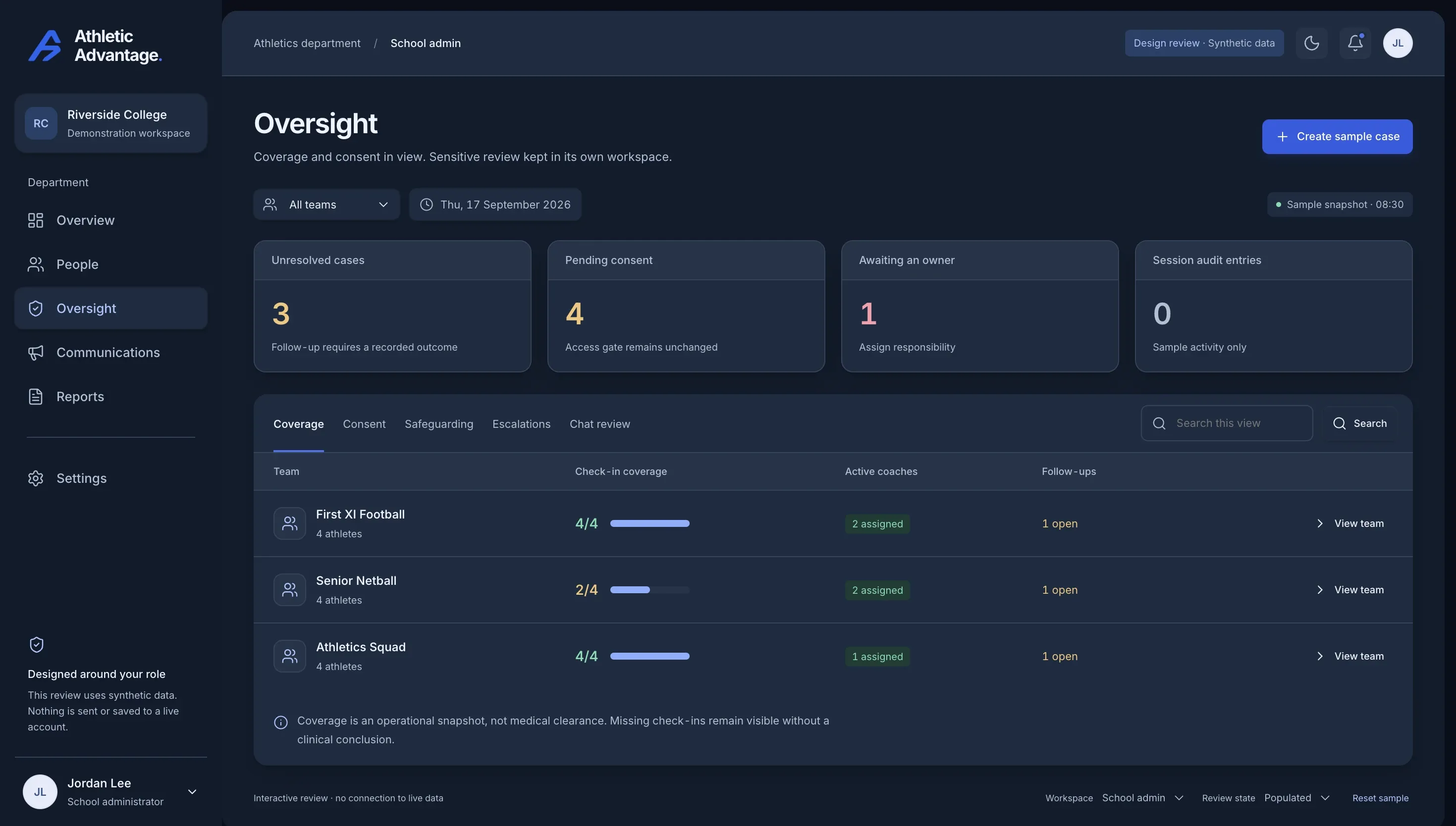
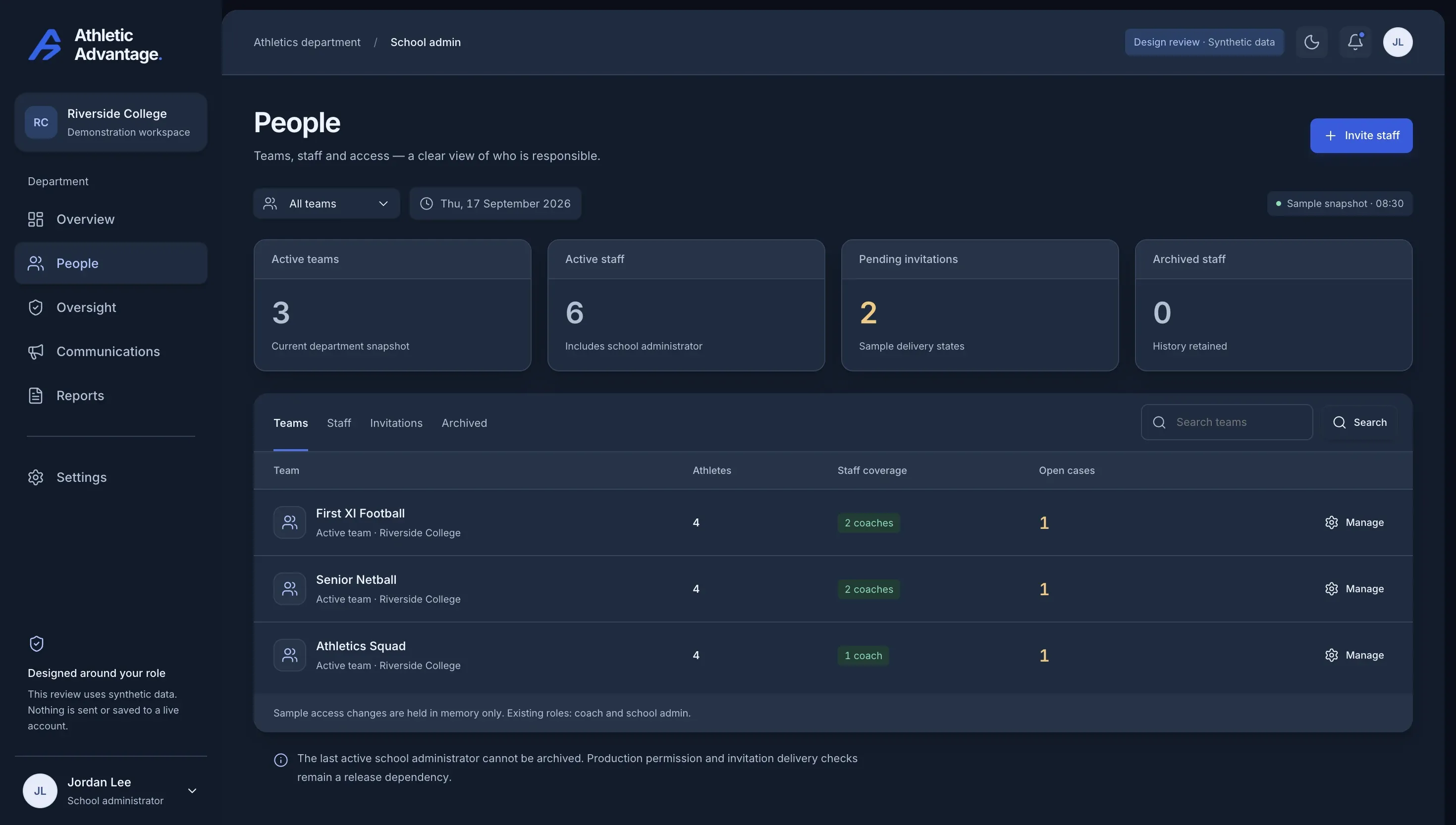
The commitments a head of sport, a business manager and a principal will ask about, and what the product actually does about each.
For athletes under 18, nothing is recorded until a guardian has consented. The gate is in the database, not only the app.
Data lives in Sydney. Sub-processors are named in the privacy policy.
An athlete sees their own data. A coach sees their team. An administrator sees status across the school. There is no cross-school pool.
Check-ins are subjective wellness signals. The product does not diagnose, treat or predict injury, and says so on screen.
Team and private conversations are retained for 12 months and are visible to the school, not hidden inside personal phones.
Athletes can export their own data. Accounts and their data can be deleted on request, and consent can be withdrawn.
Small-School covers up to 100 students and 15 coaches. Large-School applies once a school exceeds either limit.
Annual saves 12–13%
Up to 100 students and up to 15 coaches
$8,000 AUD / year
Billed annually · save $1,108 on monthly
Enrol your schoolNo payment is collected during enrolment. Cancel anytime.
More than 100 students, more than 15 coaches, or both
$15,000 AUD / year
Billed annually · save $2,148 on monthly
Enrol your schoolNo payment is collected during enrolment. Cancel anytime.
Every capability, in both plans
Priced per school. Cancel anytime. No payment is collected during enrolment.